Files gallery
Files gallery is a separate application included in X3 for free, which can be used to browse and manage files in your X3 gallery.
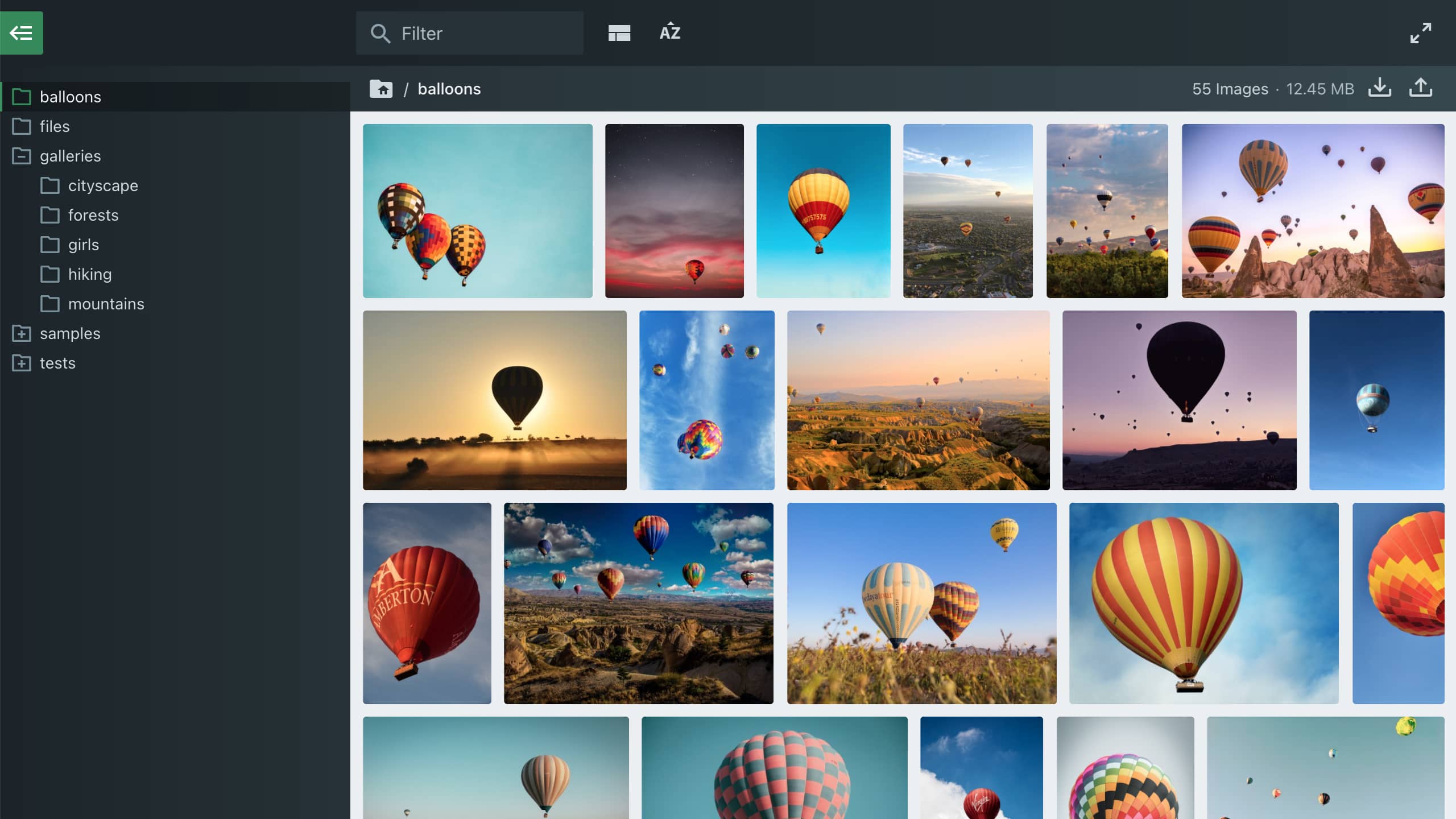
* Visit www.files.gallery for more info about the Files gallery application.
Files gallery with X3 login
Files gallery is by default included in the /files/ directory of your X3 installation. This version will inherit your X3 control panel login, and allows viewing and managing your files.
demo.photo.gallery/files/ guest : guest
Files gallery with public access
Optionally, you can create a public version that your clients can browse without login.
- Clone the /files/ directory to /files-public/ (or any name you want).
- Delete the file /files-public/_files/plugins/files.x3-login.php.
demo.photo.gallery/files-public/
* In this example, we have also assigned a different root folder.
Files Gallery config with X3
To be able to use Files Gallery for free with X3, the root config option must point inside the X3 content directory. By default, the root option is set to to ../content in the files/_files/config/config.php config file.
Questions
What are the advantages of using Files gallery in X3?
Files gallery has a modern interface for browsing files, and includes dynamic layout, sorting and filtering capabilities. Use it to browse your files, allow clients to view galleries from the alternative interface, or use it to manage files in place of the X3 control panel.
How can I change the Files gallery configuration?
See config docs on how to change the configuration for Files gallery in X3.
How can I disable Files gallery in X3?
This is not necessary, but if required, you can simply delete the included /files/ directory.
Can I use Files gallery outside of X3?
Yes, but the free license is only included when it points inside the X3 /content/ dir.